Help and troubleshooting
Resolve common issues and contact the right support team.
Resolve or report an issue
- Find the matching symptom below and note any displayed error or status.
- Follow the suggested steps for that symptom.
- If the issue remains, open Help & Support and contact your organization’s listed support team. Organization Administrators can also use the Superviso support contact there.
- Include the page or record reference, time, expected result, actual result, and any displayed error.
- Follow the support team’s response to resolve the issue.
Common issues
- I cannot find a document. Ask its manager to check that a version is published and your group has consultation access. A draft in the governance registry is not yet an employee-facing publication.
- I cannot acknowledge a document. Check the selected translation's reading progress and any save error. Complete the PDF or text reader, retry saving progress if needed, then confirm the acknowledgement.
- A request is approved but access is missing. Check the privilege action's provisioning state and contact its assigned provisioner.
- A workflow action is unavailable. Check the record's status, your assignment, and any prerequisite steps. A viewer role alone does not authorize an approval or edit.
- Provider data looks stale. Ask an authorized administrator to inspect connector synchronization logs and the last successful results. Historical review snapshots intentionally retain the evidence captured at review start.
- An expected email has not arrived. Check Tasks directly, your spam folder, your email address, and your organization's notification settings with an administrator. A queue confirmation alone does not prove delivery.
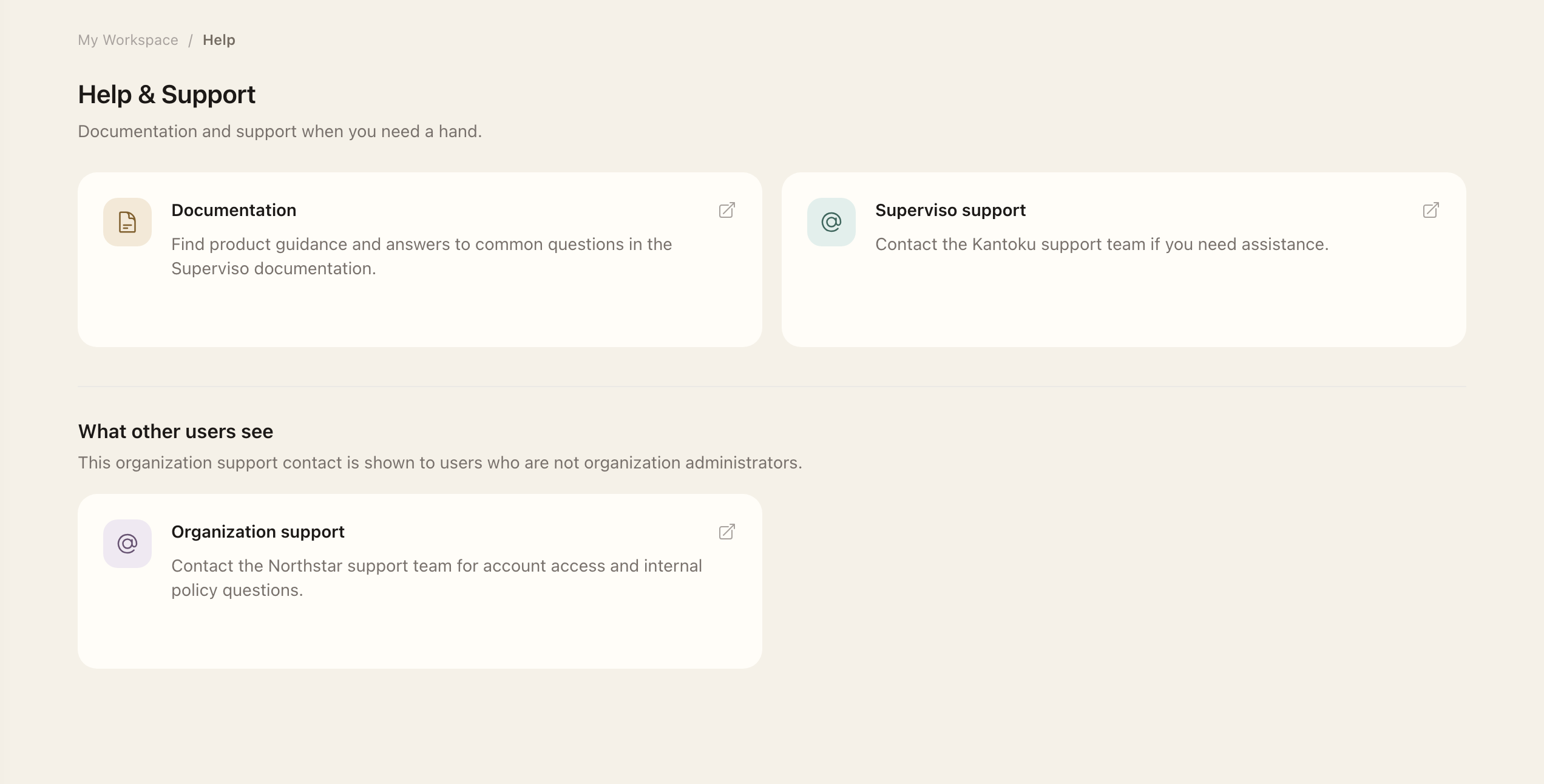
Open Help & Support for your organization's support contact. Organization administrators can also contact Superviso support there. Include the record reference, page, time, and a description of what happened. For more assistance, see Getting Help.
Expected outcome
Either the source record confirms the corrected result, or the right support team has the context needed to investigate.