Framework mappings and catalogs
Maintain a control’s mappings
- Open Controls & Evidence → Controls and select the control.
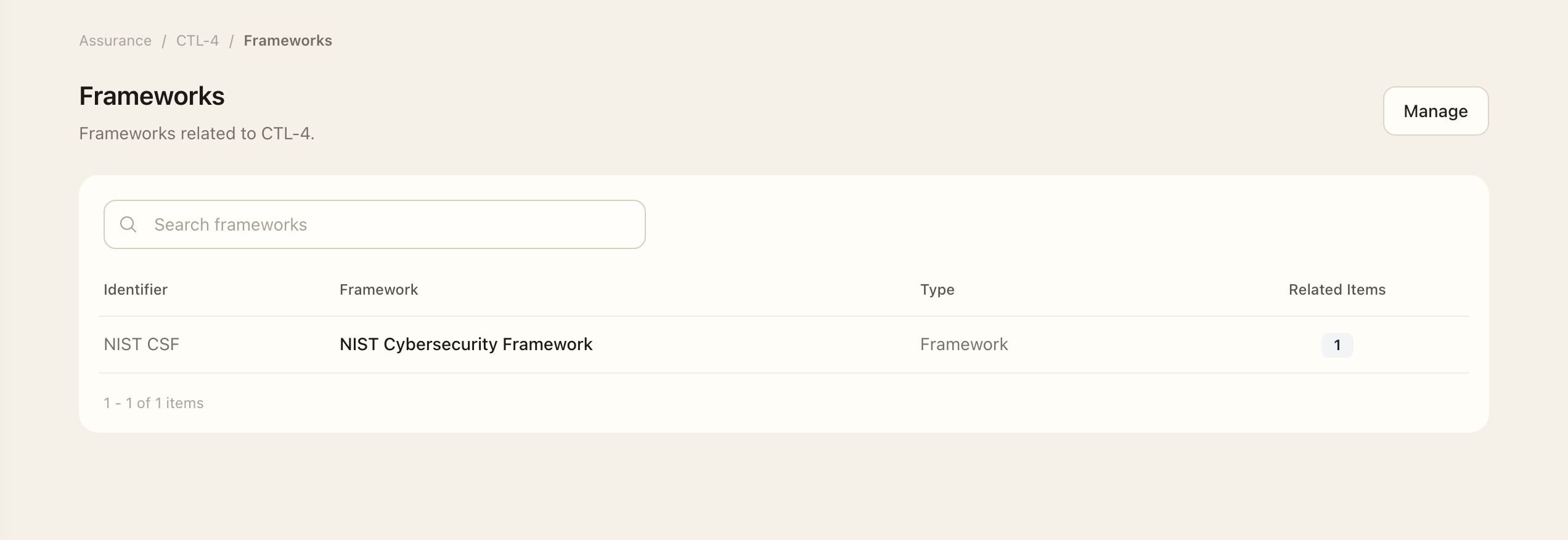
- Open Frameworks and choose Manage.
- Search the available framework items and check their identifiers and versions.
- Move the required items into the selected list, or remove associations that no longer apply.
- Save, then return to Frameworks and verify the selected items.
A mapping relates an operating control to a reference requirement. Linked evidence and assessments describe how the control operates.
Consult source catalogs
Open Controls & Evidence → Catalogs to inspect available control sources such as SCF. Reference frameworks remain under the Governance Library. Catalog and framework versions matter when comparing historical work.
Review an SCF update
Use the catalog-update review page when available to compare a control's existing source with the active SCF version. An administrator can relink it to a matching item, apply reviewed catalog content changes, or keep the local control and record that decision for the active version.
Review the actual proposed content rather than assuming that a source-version change should overwrite local implementation. Historical assessments retain the facts recorded at their assessment date. Risks with superseded catalog references use their separate explicit comparison and approval workflow.
Expected outcome
The control’s Frameworks page lists the saved mappings and their reference versions. A mapping records a relationship; evidence and assessments are still needed to explain implementation and effectiveness.