Resources
Find a resource
Open Assets & Data → Resources and search or filter the registry. Open a resource to check its source, ownership, and classification. Resources can be imported from providers or documented manually where the available actions allow it.
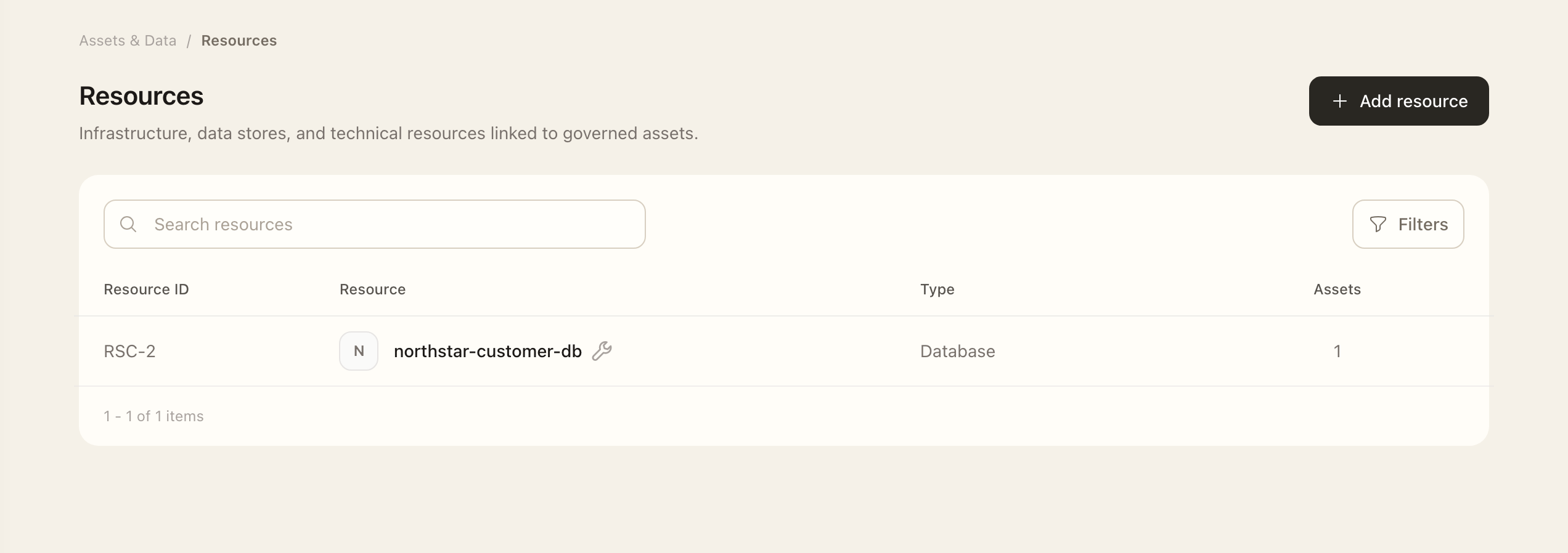
Maintain its context
- Use Add resource or open Edit, and complete the required descriptive fields.
- Open Assets on the resource to inspect the systems or services that use it.
- Use the relationship page's management action to adjust the available and selected assets.
- Repeat for Data Types and Data Locations, then save each relationship change.
- Recheck the resource's resulting classification and linked records.
These relationship pages keep context separate from the general edit form. A classification can change when linked data types change, so verify the actual information handled by the resource.
Imported resources
Check the source connector before editing or disputing a provider value. A successful synchronization updates available provider inventory; it does not decide your organization's governance ownership. Use Connectors to inspect synchronization status.
Use Data types and Data locations for consistent descriptions across assets and resources.
Expected outcome
The resource’s related pages show the saved asset, data-type, and location associations. Recheck its resulting classification. Provider-managed inventory still follows the source connector’s synchronization rather than a local relationship edit.