Privileges and responsibilities
Review an access right
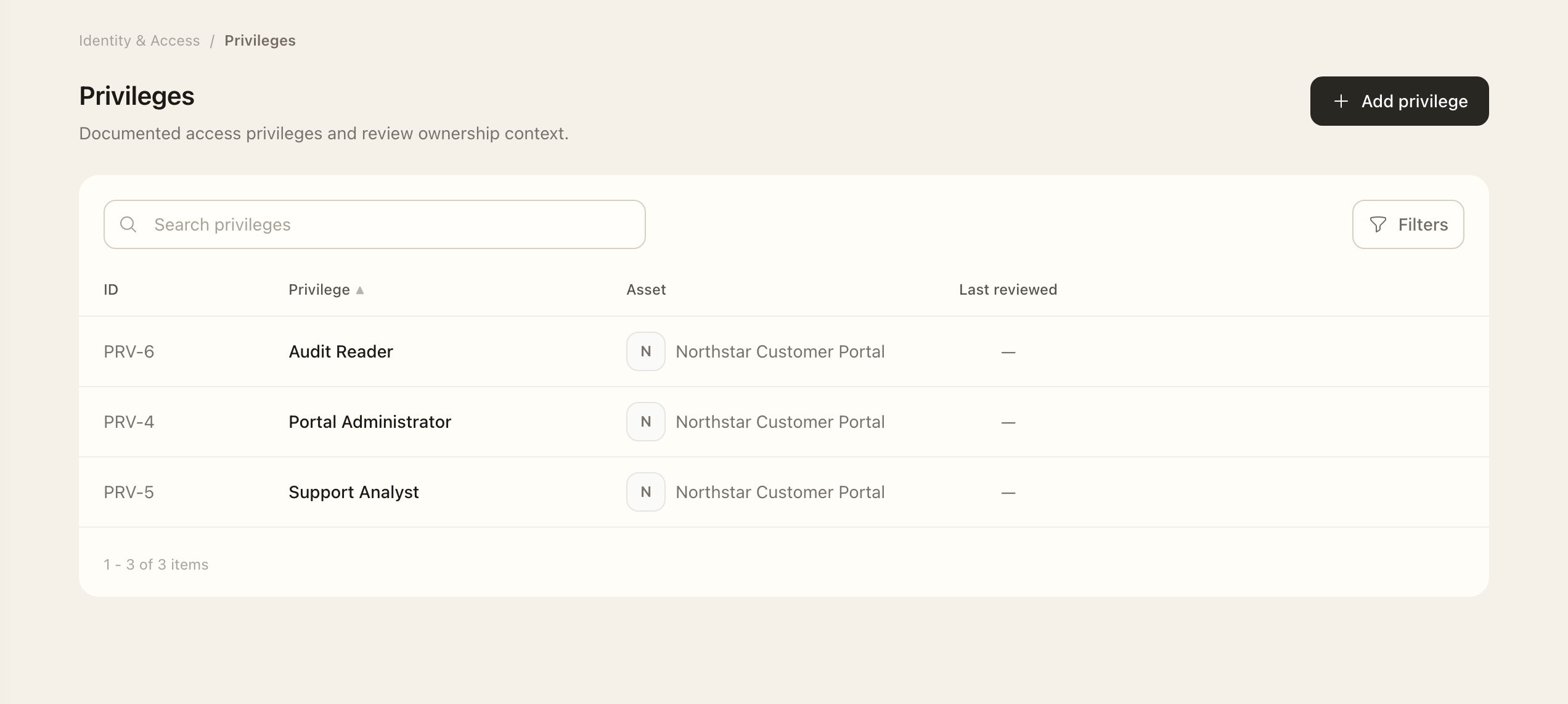
- Open Identity & Access → Privileges and select the privilege.
- Check its asset, description, owner, and review frequency.
- Open Identities to inspect the accounts holding the right, and Reviews for its access-review history.
- Edit the permitted governance fields and save.
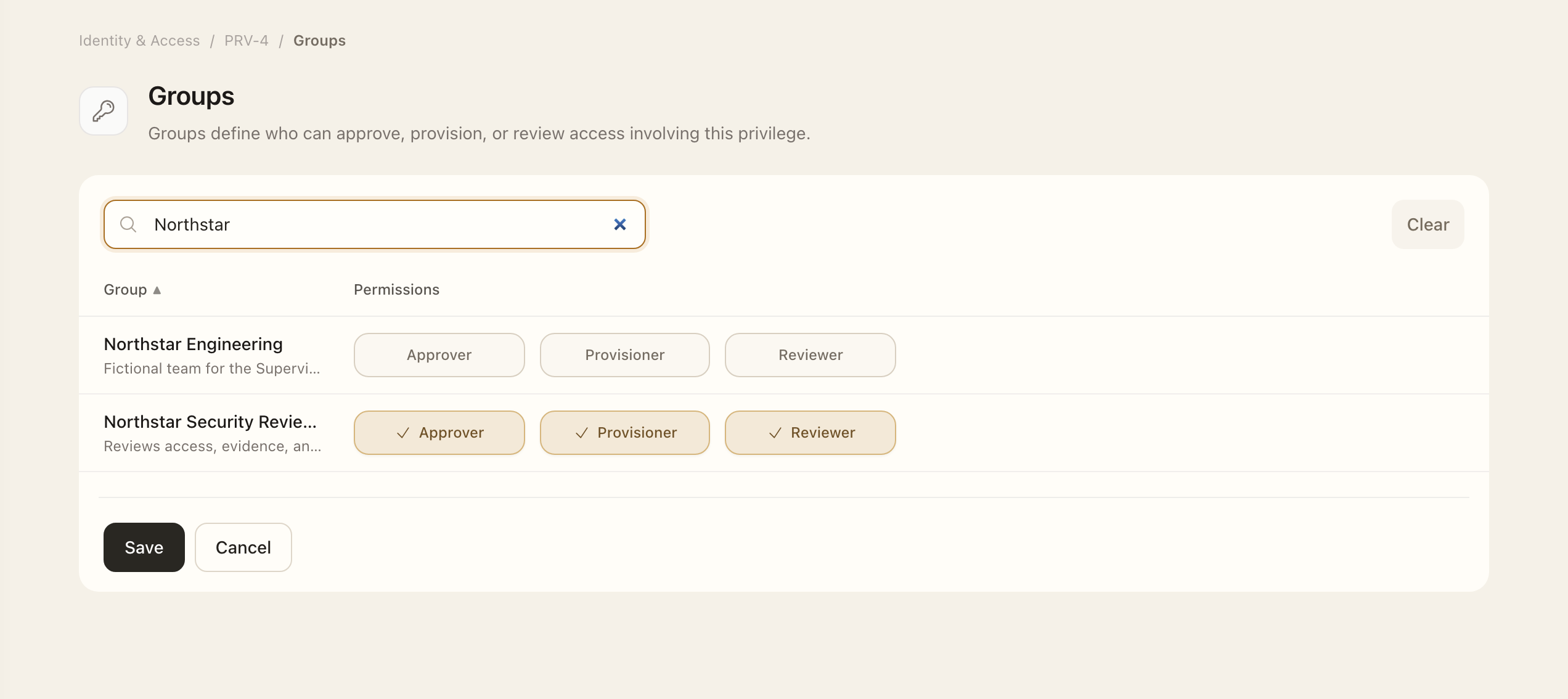
- Open Groups to check the approver, provisioner, and reviewer responsibilities; save any authorized changes and recheck the selections.
Maintain governance rules
Authorized managers can add a manual privilege or edit permitted fields on an existing one. Assign an owner, explain what the privilege permits, and select its review frequency. Provider-managed values remain read-only where indicated.
Use Add approval required and Remove approval required to choose which changes need approval. Request disabled removes the privilege from access-request workflows.
Configure separation of duties (SoD)
Separation of duties keeps the person requesting access and the person receiving it out of the normal approval routing for that privilege.
- Open Identity & Access → Privileges and select the privilege.
- Choose Edit, then find Governance rules.
- Enable Separation of duties. Set Add approval required and Remove approval required for the changes that need an approval decision.
- Choose Save. The privilege overview shows Separation of duties as Enforced or Not enforced.
- Open Groups to assign approver responsibilities if needed. Eligible approvers can also include the privilege owner and asset owner.
For example, if Priya requests a privilege for Jordan, neither Priya nor Jordan is included in its normal approver list when SoD is enforced, even if either is an owner or belongs to an approver group. Another eligible approver handles the decision. Organization Administrators and Identity & Access Administrators retain their administrative override.
The organization’s access governance setting supplies the default for newly created privileges. Changing that default does not update existing privileges; edit each existing privilege to change its rule. SoD controls approval eligibility; provisioning remains a separate responsibility.
Delegate responsibilities
Open the privilege's Groups page to inspect or manage approver, provisioner, and reviewer responsibilities. Asset-level group responsibilities can also affect who participates. Owners can inspect relevant group permissions, but changing them requires the appropriate management permission.
The saved selections determine request routing. Approval and provisioning are separate workflow stages. See Access requests for that sequence.
Check review coverage
Use review frequency and history together to identify overdue or missing review work. A privilege's presence in the registry records an entitlement; it does not establish that every assignment has been approved.
Expected outcome
The privilege’s saved governance fields and group responsibilities are visible on its related pages. They determine request routing and review context. When SoD is enforced, normal approval routing excludes the requester and request subject.