Risk Register and scenarios
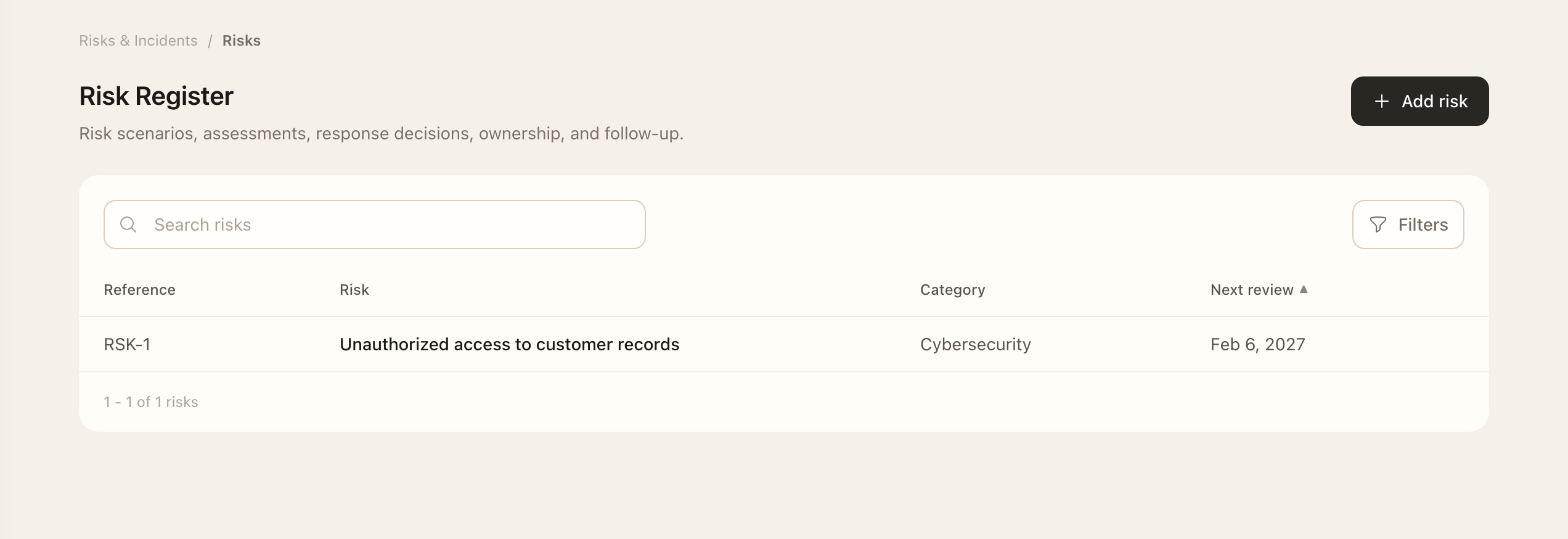
Add a risk
- Open Risks & Incidents → Risk Register and choose the add action.
- Choose a Scenario starter, an SCF risk-and-threat pairing, or a manual scenario.
- Adapt the scenario to describe the threat, event, vulnerability, affected scope, and primary adverse impact.
- Assign an accountable owner and category, then save the risk.
- Open the saved record to check its scenario and add applicable affected-object links before starting an assessment.
Describe the threat, event, vulnerability, affected scope, and primary adverse impact. Assign an accountable owner and category. A scenario should explain what could happen and why it matters, rather than merely name a missing control.
Add affected objects
Use structured links to visible assets, resources, and third parties where useful. Retain a clear narrative scope as well; it is required when recording the first assessment. The structured objects supplement that statement rather than replace it.
Mitigating controls belong in their own relationship because they reduce the risk rather than define what is affected.
Find and maintain records
Use the register's category, status, and review filters to find current work. On a risk, open Overview, Assessments, Affected Objects, Mitigating Controls, and Activity for the corresponding context.
Continue with Risk assessments before treating the scenario as an evaluated risk. If a linked catalog version is superseded, compare its proposed replacement through the available update workflow rather than silently changing historical assessment context.
Expected outcome
The risk appears in the register with its saved scenario, category, and owner. It is not yet an evaluated risk until an assessment is completed. Structured affected-object links supplement the narrative scope rather than replacing it.