Users and account lifecycle
Add or maintain a user
- Open Identity & Access → Users and search for the person.
- Open the existing profile, or choose Add user to create a locally managed record.
- Use Edit for permitted local fields; check the name, email, username, and applicable profile settings.
- Save, resolve any validation messages, and reopen the profile to verify the values.
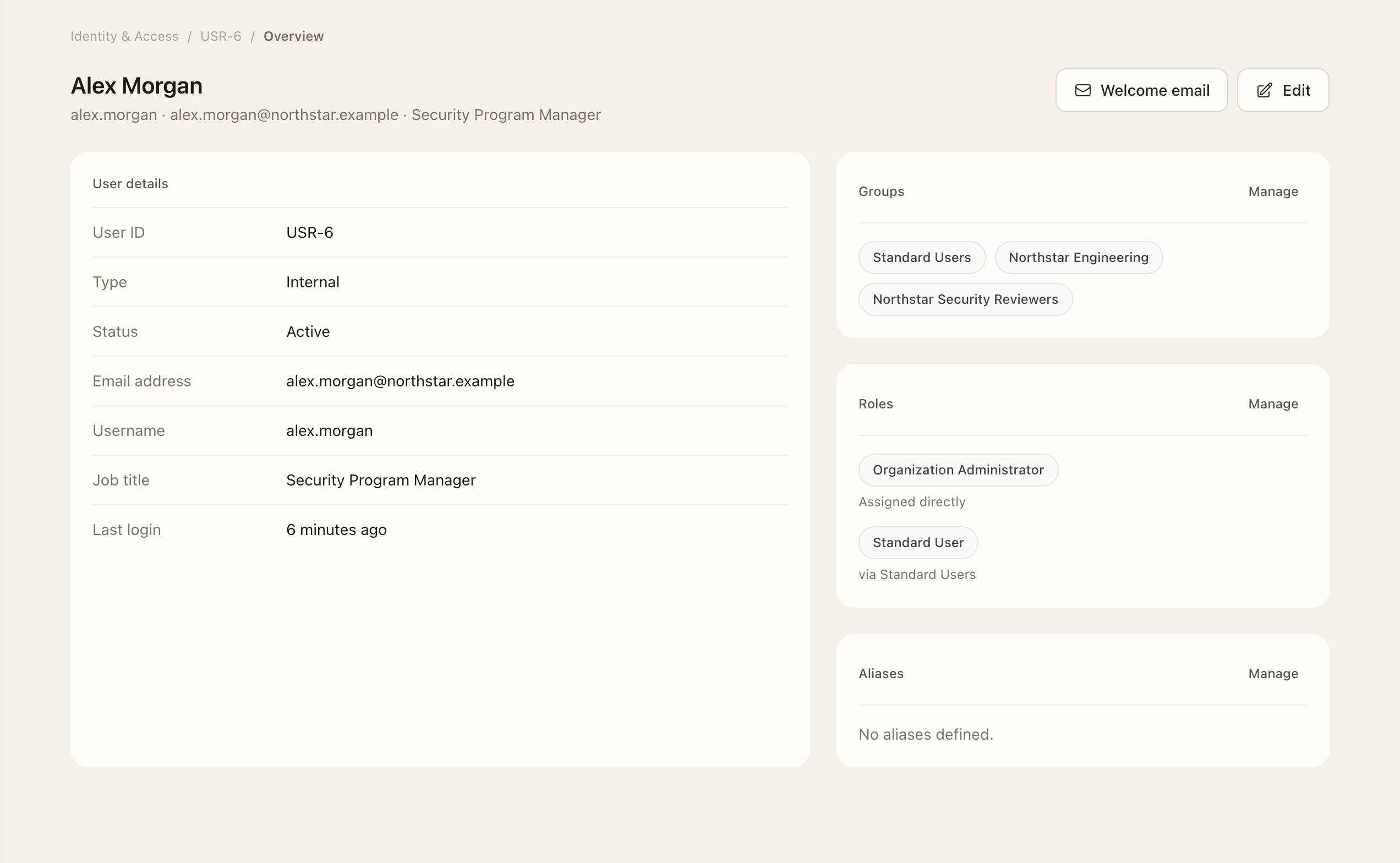
- Inspect the user’s groups, role summary, assets, identities, privileges, and requests to confirm their responsibilities.
For directory-managed users, use the Identity Source instead of editing source-owned name and email fields. On a user record, review groups, role summaries, assets, identities, privileges, and requests to understand the person's responsibilities and access. Aliases help associate alternate email addresses or usernames with the correct person; they do not merge external accounts.
Assign groups and roles
Use the user-scoped group and role pages. Only Organization Administrators can change direct roles or role-bearing groups. See Roles and groups before granting access.
Suspend or archive
Suspension temporarily blocks sign-in and revokes sessions and tokens while preserving historical assignments. Archival is for a person who has left the active population; active connector identities and provisioned access must be removed first.
Archived users can be restored during the retention period. The record shows the scheduled anonymization date; authorized administrators can pause anonymization for exceptional retention needs. Anonymization is irreversible, so check the status and retention context before using a lifecycle action.
Directory synchronization has its own suspension and archival behavior. A manual suspension or archive is not a substitute for correcting the authoritative source.
Expected outcome
The saved user profile shows the intended local details and linked responsibilities. Directory-owned fields must be corrected at their source. A profile edit does not remove provider accounts; suspension, archival, and access removal are separate lifecycle actions.