Evidence tasks and collection
Administrators configure the Audit Calendar before recurring evidence collection. Evidence tasks specify the collection frequency, assignee, reviewer, and linked controls. Each task has individual collection periods; open the correct period rather than attaching evidence to a different coverage window.
- Open your assigned evidence period from Tasks or the evidence task's Periods page.
- Check its coverage dates and due date, then choose Start when collection is available.
- Upload the supporting files and add discussion context explaining what they demonstrate.
- Choose Submit when the evidence is ready for review.
- The reviewer chooses Start review, checks the material, and marks it Reviewed or uses Return for corrections. Returned work can be restarted, corrected, and submitted again.
- Use Complete after the period has been reviewed, when that action is available to you.
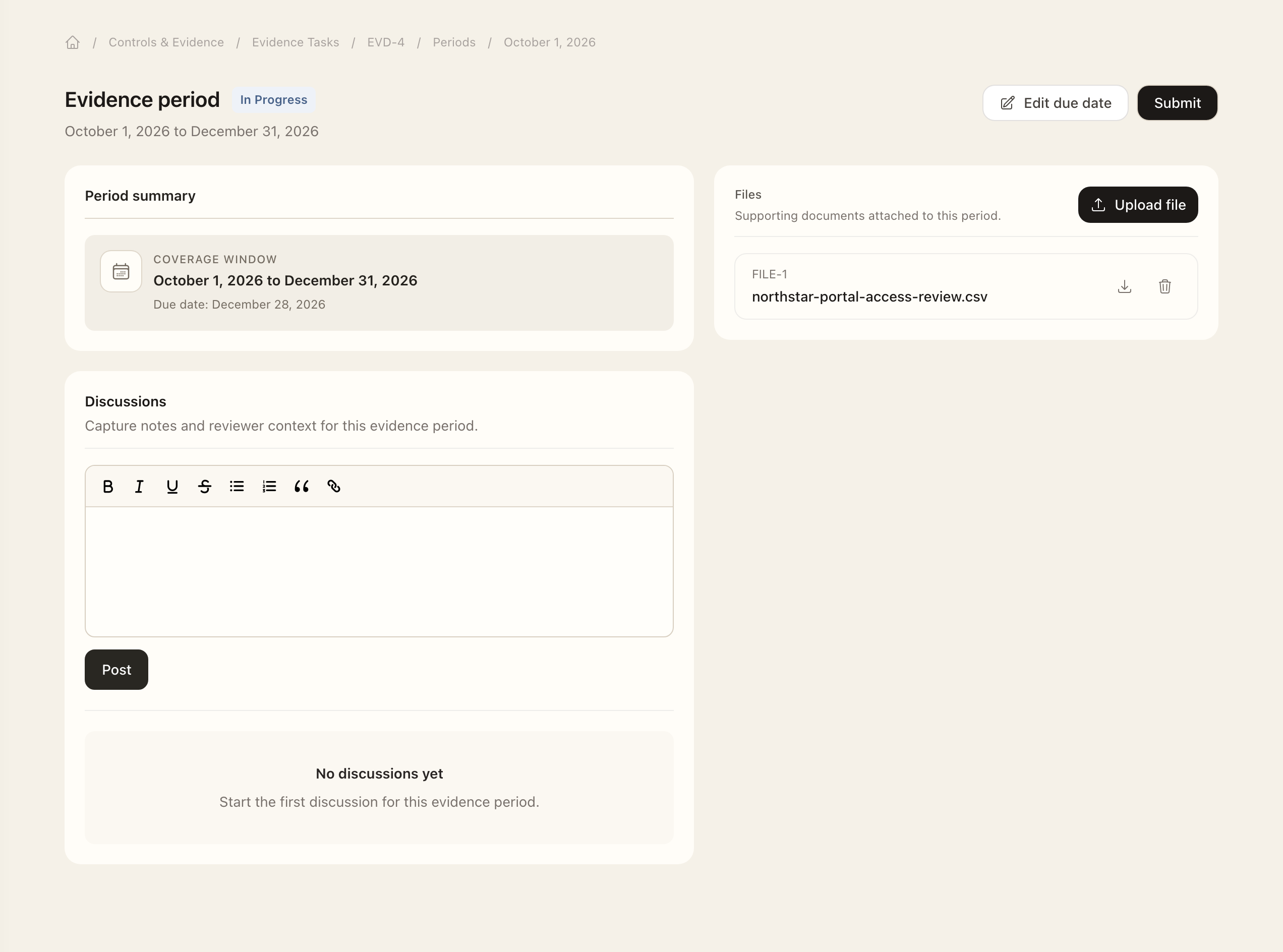
Before review starts, Callback returns a submitted period to collection. Future periods cannot be started early; late periods can offer Start late collection. If a due date needs changing, authorized users can choose a future date within that period's coverage window while the period remains editable.
Use the evidence Timeline and Calendar to plan work across the selected audit period. The audit calendar and quarterly access-review windows serve different workflows. Completed evidence history remains available from the task's periods and activity pages.
Set up a task
Authorized managers add the task’s name, description, required frequency, assignee, and reviewer. Use its Controls page to manage linked controls, Periods for collection history, and Activity for metadata, relationship, status, due-date, and file changes. Use Audit calendar for organization-level scheduling.
Expected outcome
The period records collection, submission, review, and completion separately. Submitted evidence still awaits its reviewer; a returned period needs correction and resubmission. Confirm the period is completed before treating the workflow as finished, and retain the files under the correct coverage window.