Reference frameworks
Browse a framework
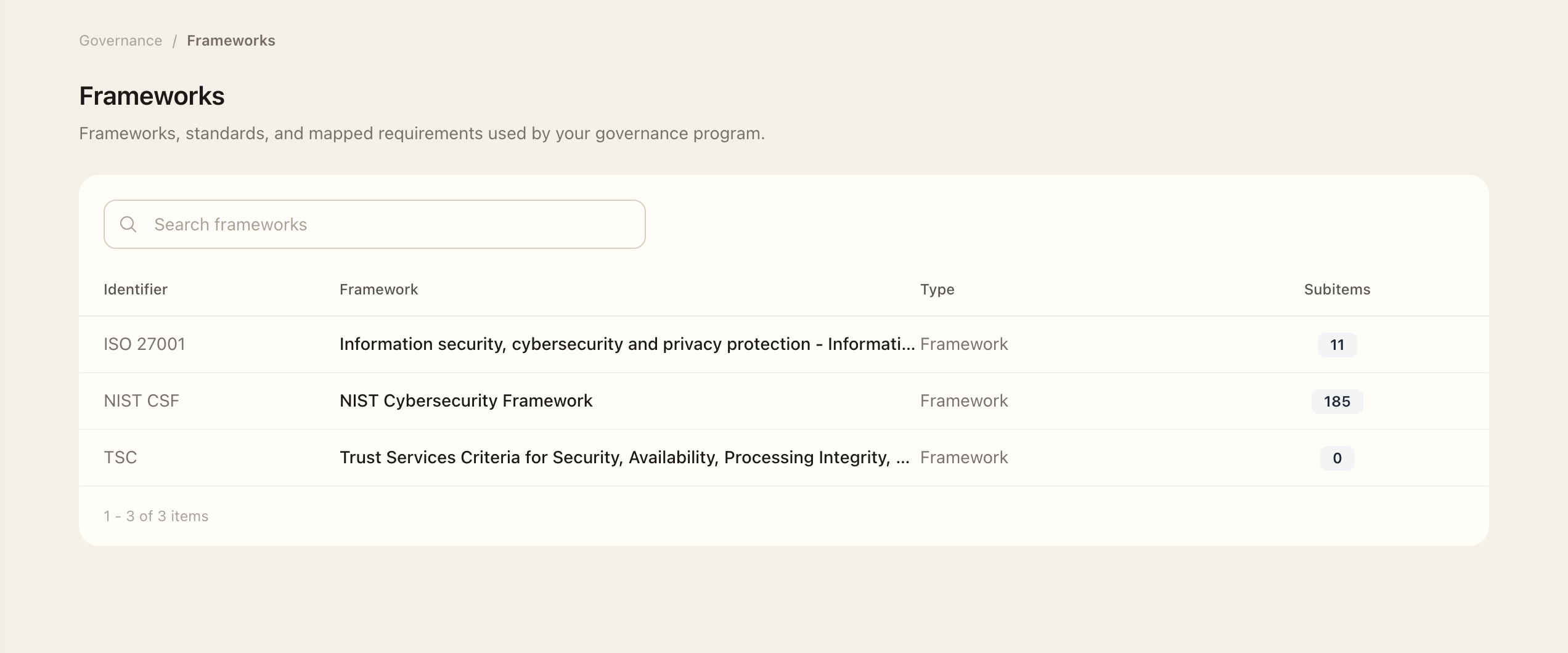
- Open Governance Library → Frameworks.
- Select the reference framework and check its version.
- Browse its structure or identifiers to find the requirement or criterion.
- Open the item’s available details and inspect related control mappings.
- To change a mapping, open the operating control’s Frameworks page and use Manage.
Frameworks are reference expectations. Operating controls are your organization's documented implementation, maintained under Controls & Evidence. A framework item is not itself a completed control or proof of compliance.
Follow mappings
Inspect available item details and related control mappings. To maintain a control's framework associations, open that control's Frameworks page and use Manage. See Framework mappings and catalogs for the workflow.
Work with versions
New environments receive NIST CSF 2.0 by default. Existing older framework versions can remain available as historical references. Always check the saved version when comparing assessments or mappings across time.
Source catalogs such as SCF are maintained under Controls & Evidence → Catalogs, separately from reference frameworks. If a required reference is missing, ask an administrator rather than treating an absent framework as evidence that no obligation applies.
Expected outcome
You can identify each requirement, its version, and the controls mapped to it. Follow the linked controls for their implementation details, assessments, and evidence.