Sign in for the first time
Access your organization’s Superviso workspace.
Before you start
You need your organization’s Superviso address and an account or permitted organization sign-in. Your administrator can provide both.
Sign in
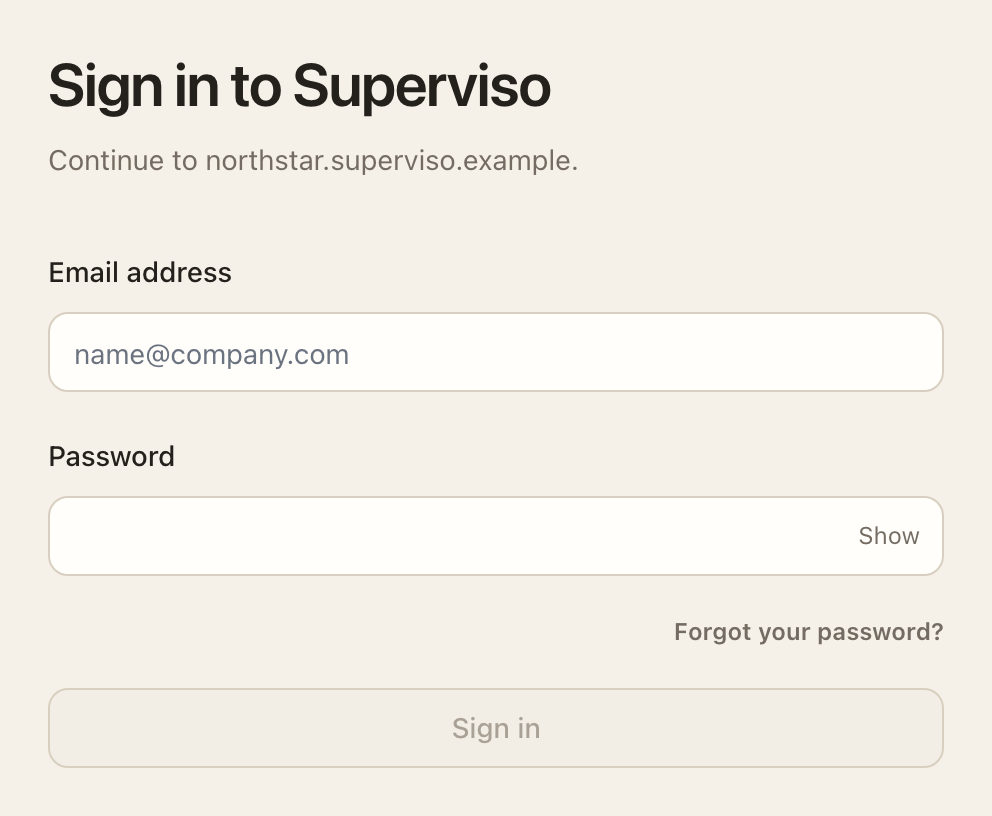
- Open the Superviso address provided by your organization. Use that address when returning to the app.
- Follow your organization's sign-in method. If you received a password-setup email, follow its link to set your password. If your organization requires single sign-on (SSO), use its sign-in provider.
- Complete two-factor authentication when prompted.
- Open My Workspace to find your tasks, requests, reviews, and documents.
If a password-setup link has expired, use Forgot your password? on the sign-in page when password sign-in is available. If your organization requires SSO, contact your organization's support team for sign-in assistance.
After signing in
Open My Workspace for assigned work. Use My Account to set your preferences and review account security.
Expected outcome
Your workspace opens with the pages and tasks available to you. If you cannot sign in, use your organization’s support contact.