Identity Source and directory synchronization
Understand the scope
An Identity Source is the authoritative directory for Superviso users and group membership. It is separate from SSO, which authenticates sign-ins, and from provider inventory imports. Superviso supports one authoritative Identity Source at a time.
Configure and test
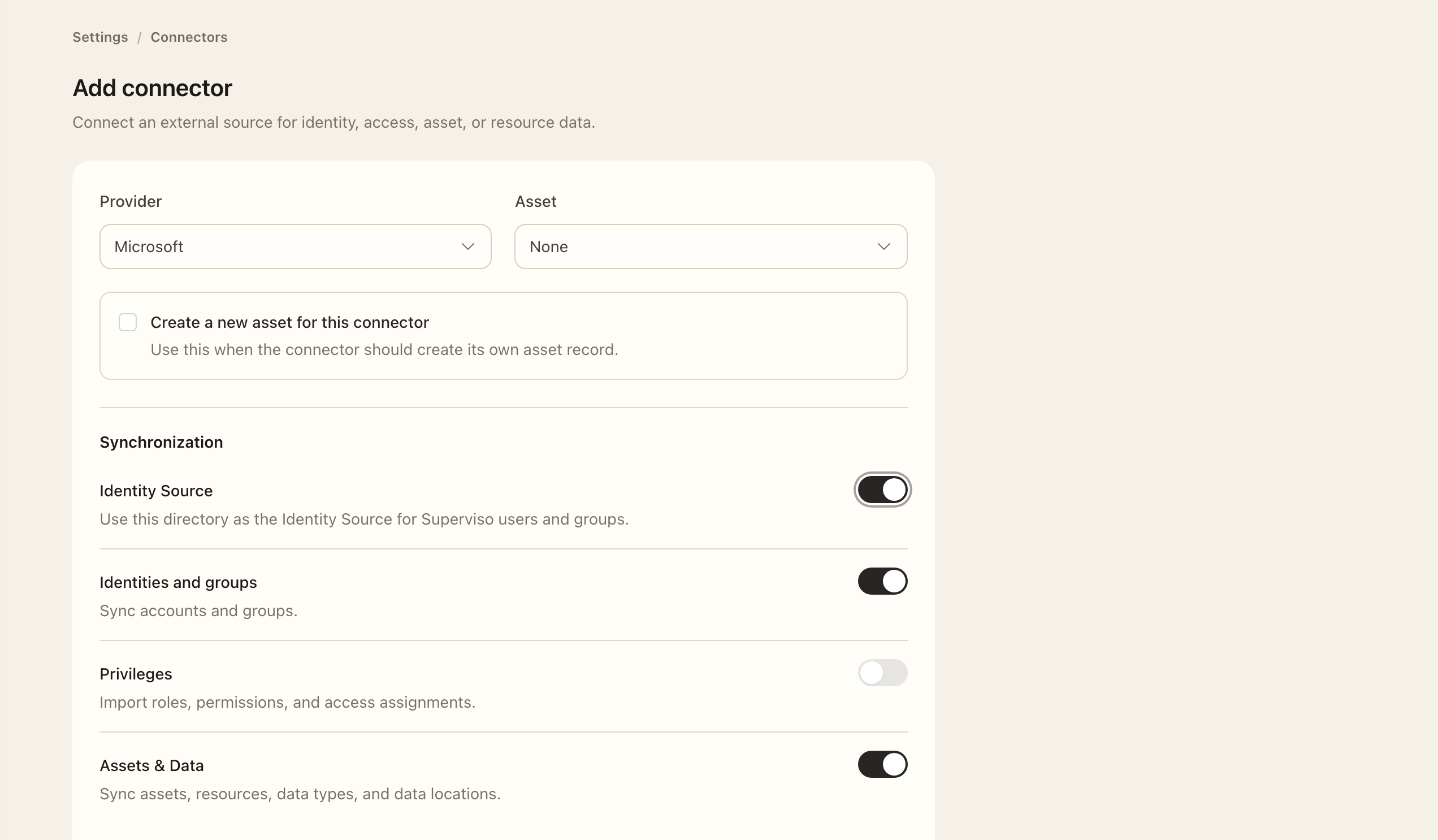
- Open Settings → Identity Source, or the supported connector's Identity Source option.
- Select the source and required synchronization options, credentials, and scope. Follow the Providers guide for required permissions.
- Map source groups to Superviso groups. Import scope determines who is observed; mapping separately determines which Superviso memberships they receive.
- Keep the source inactive initially, check the selected population, then use Sync now for a manual synchronization. An inactive source prevents scheduled runs; a manual run still applies user, group, and membership changes.
- Inspect the logs, imported users, and group memberships before activating scheduled synchronization.
For Microsoft, inclusion prefixes scope imports to direct members of matching groups. Exclusion groups accept exact names or Object IDs and exclude direct and nested members. Check names and scope carefully: an unreadable exclusion or incomplete directory observation prevents safe reconciliation.
Understand lifecycle effects
Complete observations can suspend users missing from scope immediately, then archive them after a subsequent complete observation at least 24 hours later, subject to active-access blockers. Disabled directory users remain suspended. Source-managed restoration is limited to eligible users changed by that source; manual suspensions and archives remain protected.
Scope and exclusion changes can therefore affect existing users, not just future imports. Check the expected population before scheduling. Active source-owned name and email fields are read-only in Superviso profiles.
Expected outcome
The manual synchronization log and imported records show the observed users and mapped memberships. Check the results and any lifecycle effects before enabling scheduled synchronization. Keeping the source inactive does not turn a manual run into a preview. SSO sign-in remains a separate configuration.