
FreeScout
The FreeScout connector supports Identity & Access collection from a FreeScout installation.
Required values
- API Key created in FreeScout
- Host for the FreeScout installation
Required access
The API key must be able to read the users and related records selected by the connector. FreeScout does not expose a separate named privilege requirement in Superviso.
Use HTTPS for the configured host and create a dedicated key when your FreeScout installation supports that practice.
Before you start
Create the credentials listed above in the provider’s administration tools.
Configure in Superviso
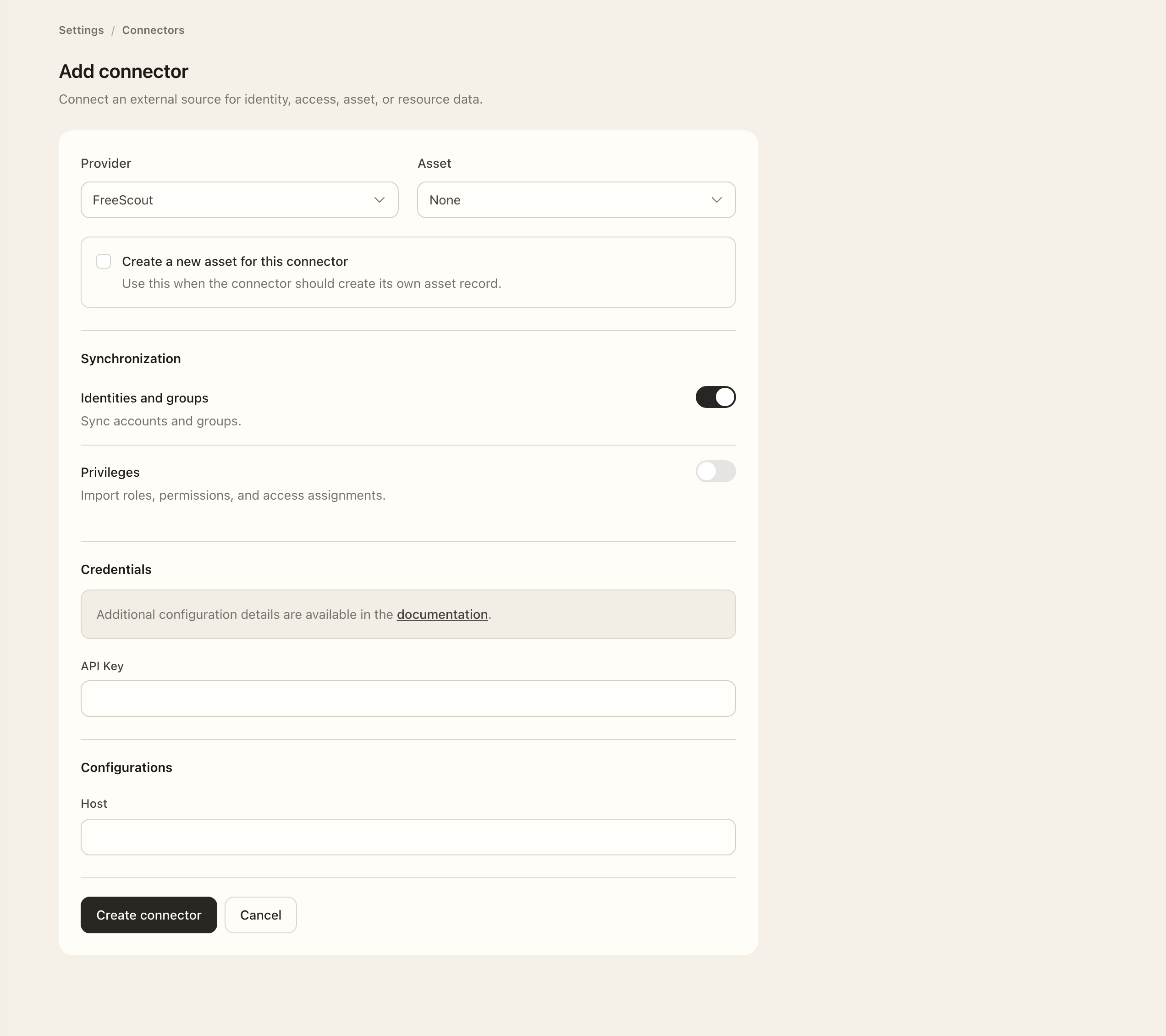
- Open Settings → Connectors and choose Add connector.
- Select FreeScout from Provider.
- Associate the intended asset, or use the new-asset option when appropriate. Enable only the supported synchronization options you need.
- Enter API Key and Host for the intended installation.
- Recheck the required privileges, scope, and filters, then choose Create connector. Resolve any validation errors shown by the form.
- Open the saved connector, choose Sync connector when available, and confirm the synchronization scope.
- Open Logs, wait for execution to finish, and inspect the result and any errors. Open the relevant Identities, Privileges, or Resources page for the enabled integration to verify collected records.
Expected outcome
The connector is saved for FreeScout with the intended integration and collection scope. Synchronization logs show progress, results, and imported records.
If setup or synchronization fails
Check the exact account or organization identifier, required form values, credential validity, granted access, and selected filters. Inspect the failed log’s details before retrying. If only some records are missing, check their scope and provider permissions. For synchronization status and source-managed fields, see Connectors and synchronization logs.