My Items
Open your associated records
- Open My Workspace → My Items.
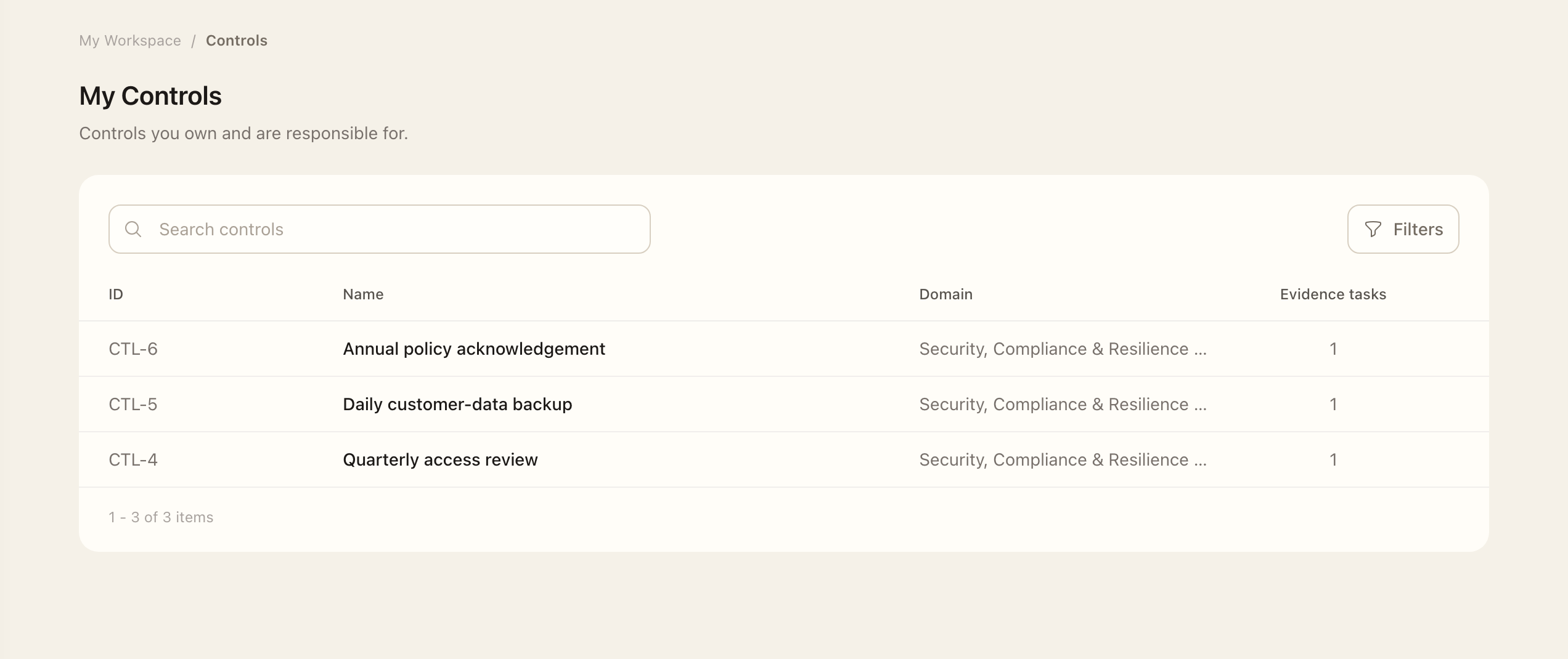
- Choose the record type you want to inspect.
- Use search, filters, and sorting to find the record.
- Open its details and check your ownership or workflow assignment.
- Use the record’s available related pages and actions, or return to Tasks for work currently requiring attention.
My Items includes owned assets, resources, identities, privileges, third parties, controls, and risks. It also includes documents where you are owner, reviewer, or approver; evidence tasks where you are assignee or reviewer; and exceptions where you are owner or approver.
Items and tasks serve different purposes
An item is an ongoing responsibility. A task is a specific action that currently needs attention. An evidence task can remain in My Items while individual collection periods appear in Tasks. Use Tasks for today's work and My Items to return to a record over time.
Understand record access
Owning a record or receiving an assignment can let you open it without access to the entire product registry. Its related pages remain grouped under the record. The actions available still depend on your role and the workflow; ownership does not automatically grant every management action.
If an expected record is missing, ask an administrator to check the owner, reviewer, approver, or assignee saved on it.
Expected outcome
You reach the records associated with your responsibilities and can use the actions your role and assignments permit. Opening an item does not complete a task or grant access to the entire program area registry.