Platform behavior and notifications
Review organization-wide behavior
- As an Organization Administrator, open Settings → Platform.
- Read the description and current value of the setting you intend to change.
- Change only the intended switch. Autosaving controls apply without a separate final form submission.
- Wait for the saved state and check for errors before leaving the page.
- Reopen the page to verify the persisted value, then check the affected workflow described below.
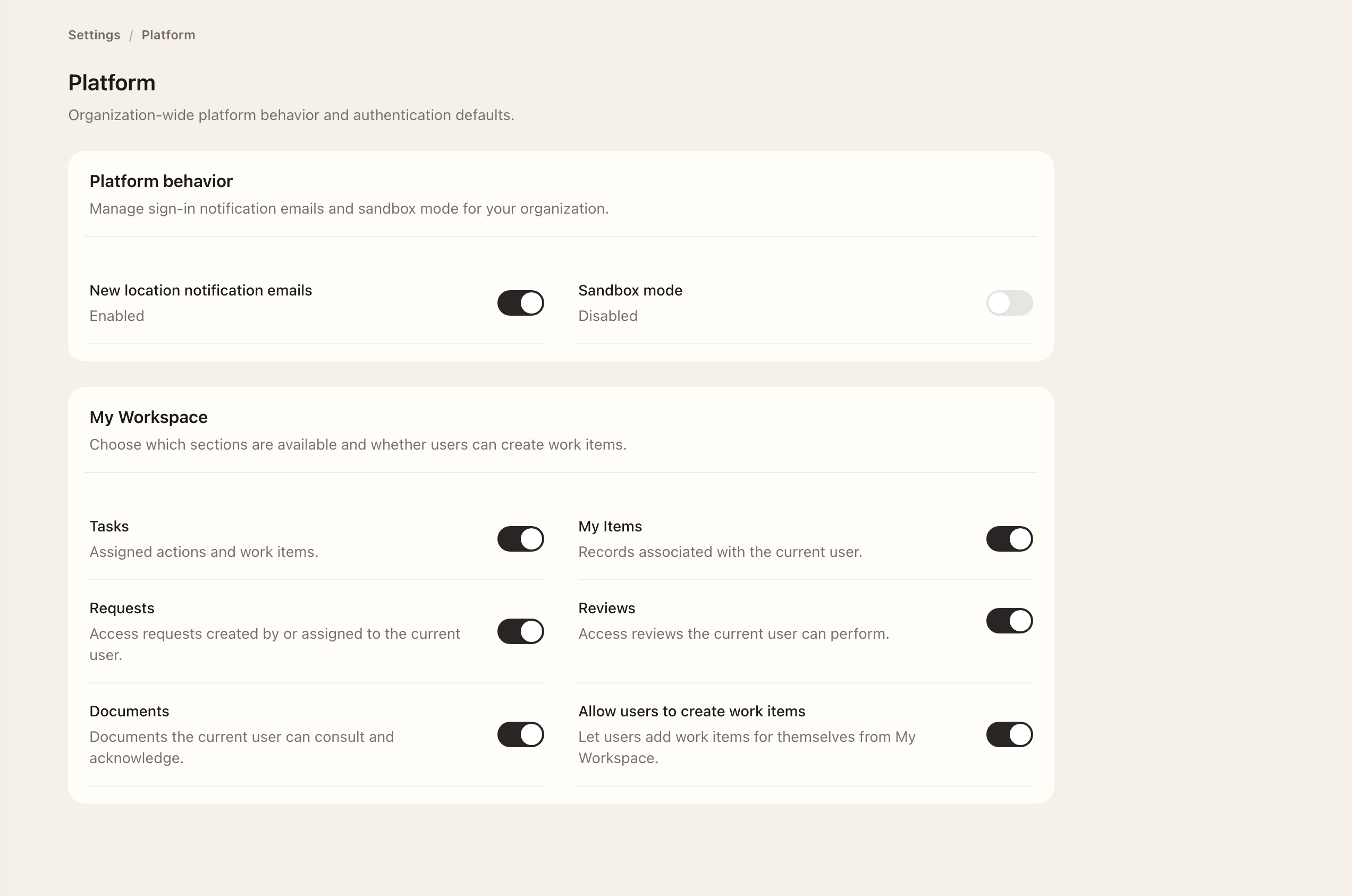
Sandbox mode
Sandbox mode suppresses ordinary tenant email. Use the displayed setting to determine whether notifications should be expected. Existing tasks and records remain accessible, so use My Workspace directly while mail is suppressed.
For missing notifications, check sandbox mode and follow the Email integration troubleshooting steps.
Sign-in notifications
New location notification emails controls new-country sign-in emails organization-wide and is enabled by default. Disabling it suppresses those messages, including queued ones awaiting delivery; authentication logging and location enrichment continue.
Personal task creation
The personal work-item setting determines whether users can create self-assigned follow-ups from My Workspace. Turning it off removes that creation action without removing administrator assignments or workflow-generated tasks.
For an individual's language and timezone, use My Account. For organization defaults and support contact, use Organization profile.
Expected outcome
The page retains the saved switch values. Sandbox mode suppresses ordinary tenant email, and disabling personal task creation removes that creation action without removing existing assignments. Authentication logging continues when new-location emails are disabled.