Control reviews
Open a review
- Open Controls & Evidence → Controls, select the control, and open Reviews.
- Start a review or resume the existing active review.
- Confirm the review date and whether independent approval is required; assign the reviewer when applicable.
- Check the captured profile and relationship scope before entering proposals. Only one control review can be active at a time. Only one control review can be active at a time.
Inspect the snapshots
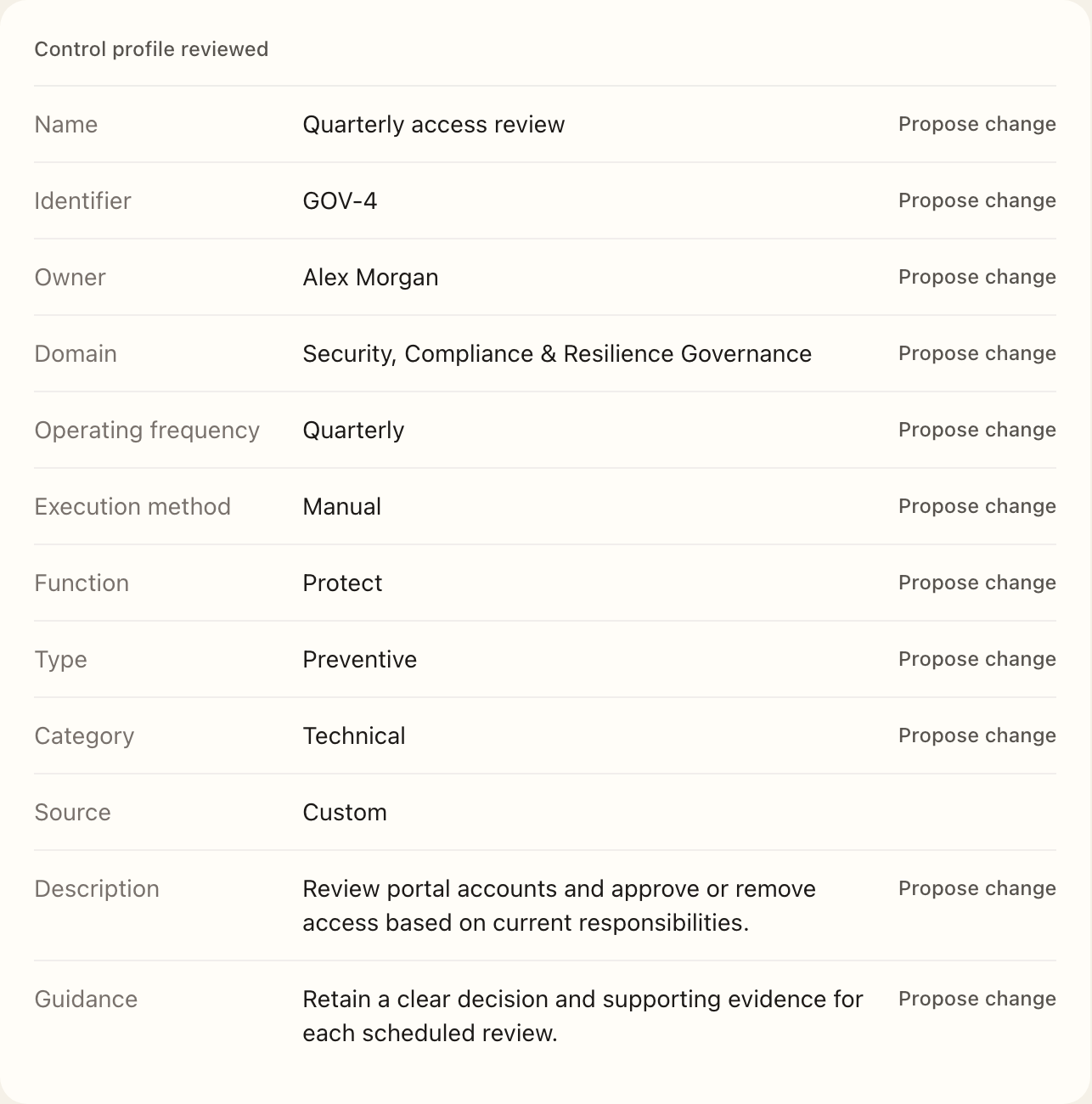
- Examine the captured control profile, framework mappings, evidence tasks, latest maturity context, and related issues.
- Propose permitted profile changes, then add or remove framework and evidence-task associations where needed.
- Leave catalog-managed fields and mappings unchanged; they are not editable review proposals.
- Review the proposed changes against the snapshots before completing the review summary.
Record a review summary explaining the basis and any rationale not captured by structured changes. Record the maturity decision if reassessment is needed; the review does not replace a maturity assessment.
Complete or obtain approval
- Check the summary and proposed changes before using the completion action.
- Complete directly if independent approval is not required; otherwise submit to the assigned reviewer.
- The reviewer opens the submitted review from My Workspace → Tasks and reviews the proposals.
- The reviewer or an authorized manager approves the review or returns it for correction.
- Check the live control and Activity after approval to verify the changes were applied.
Approved reviews apply proposed changes to the live control. Returned and canceled reviews retain their snapshots and proposals without applying them. The conclusion is derived from the proposals: a review with changes is marked as requiring changes; one without proposals remains current.
Compare later facts
If the live control changes after review capture, the page distinguishes current differences from the reviewed snapshots. Use the status badge for lifecycle history and the control's Activity page for applied changes and their source.
Expected outcome
A directly completed or approved review applies the accepted proposals to the control. A submitted review appears in the assigned reviewer’s Tasks. Returned or canceled work retains its snapshots without applying proposals; confirm applied changes on the control’s Activity page.