Your access reviews
Find your reviews
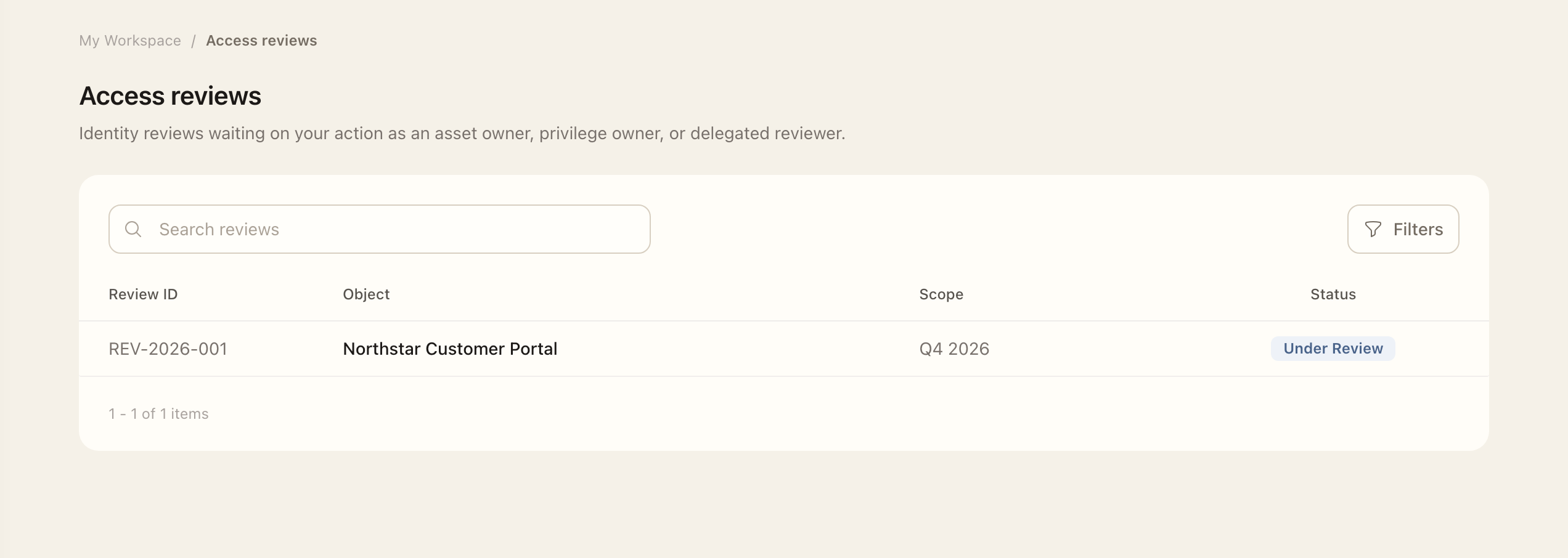
- Open My Workspace → Access reviews, or follow an access-review task in Tasks.
- Find an active review where you are an asset owner, privilege owner, or delegated reviewer.
- Check its object, scope, due date, and status, then open the review.
- Work through the available Identities, Evidence, Confirmation, and Summary steps, recording only the decisions you are authorized to make.
- Return to Tasks and check whether any assigned review actions remain.
Record your decisions
Review the actual account identifiers and entitlements in each step. Decisions can be shared across participants; completing your assigned decisions does not give you authority to finish the whole review unless you are its owner or an administrator.
The detailed Access reviews guide explains scope capture, evidence, self-review warnings, and completion.
After participation
Return to Tasks to check for remaining actions. A denial may create an access-removal request that still needs implementation. Completed or expired reviews retain their history and are read-only.
Expected outcome
Your decisions are retained on the review. The review stays active until its owner or an administrator completes it. Any resulting access-removal request must still be implemented; a denial alone does not confirm removal in the source system.