Third-party records and lifecycle
Add a relationship
- Open Vendors & Partners → Third Parties and choose the add action.
- Enter the organization’s name and recognizable relationship details.
- Assign its accountable owner and choose the intended lifecycle status.
- Review applicable start and end dates, then save.
- Open the saved record and inspect its related pages; use an assessment for reviewed usage, data types, and processing locations.
Statuses include Onboarding, Active, Under review, Suspended, Offboarding, Inactive, and Archived. Start and end dates provide context and do not automatically change status. The registry normally omits Inactive and Archived records; change its Status filter to include them.
Maintain related context
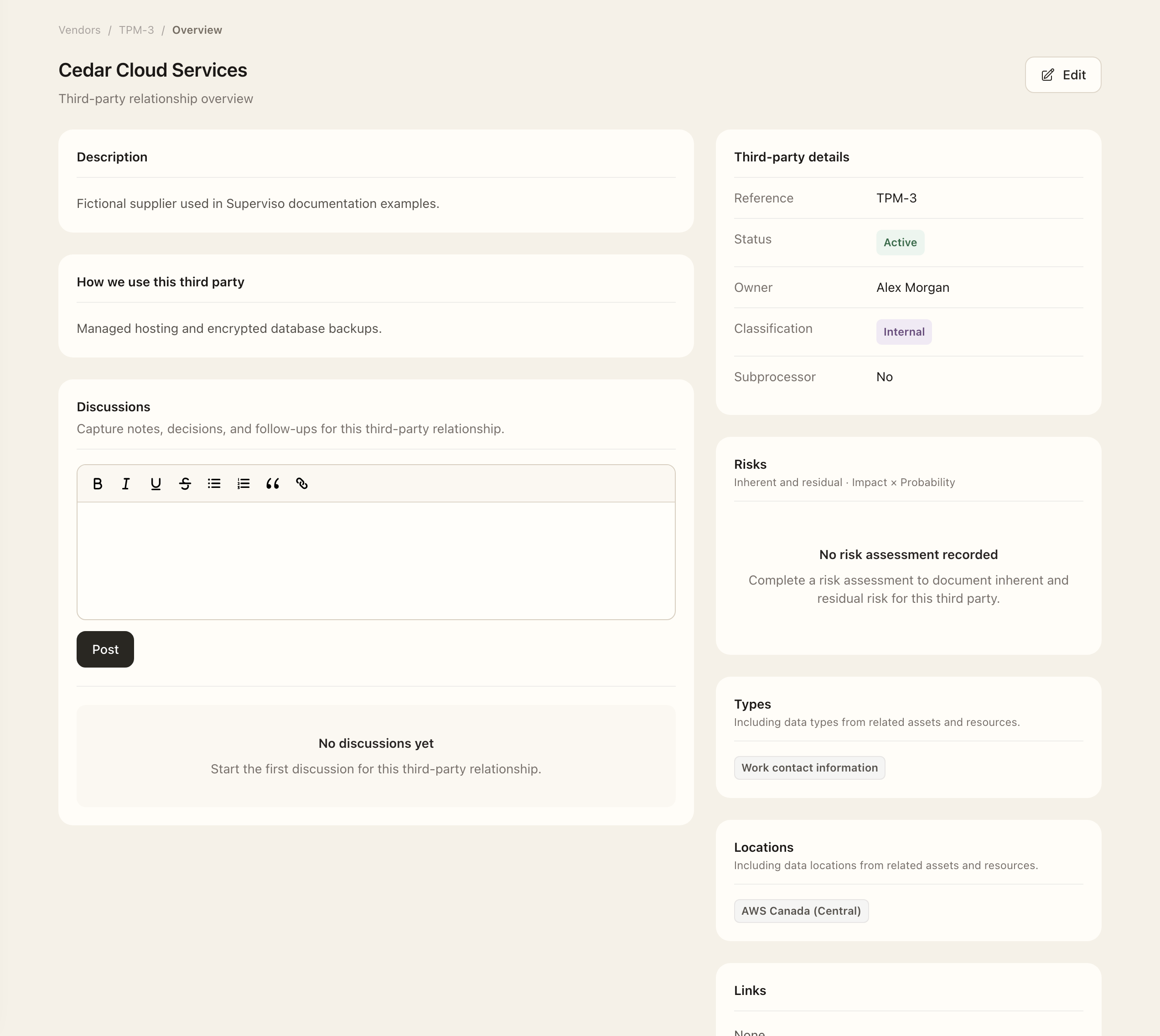
Use the record's Assets, Connectors, Assessments, Artifacts, Contacts, and Activity pages for scoped information. Edit the profile for direct relationship fields. Review usage, linked data types, and data locations through an assessment so changes retain a decision history.
Keep ownership and decisions visible
Owners can perform assigned third-party work without receiving management access to every vendor. Maintain contacts and assurance artifacts, then complete a structured assessment before treating the relationship as reviewed.
Use Discussions for notes and follow-up context. Open the lifecycle status badge for history and Activity for recorded transitions. A discussion or date change does not substitute for an explicit lifecycle decision.
Expected outcome
The relationship appears with its saved owner and lifecycle status, subject to the registry’s Status filter. Start and end dates do not change status automatically. The relationship is not considered assessed merely because its profile or contacts were added.