Investigate detected web technologies
Review detected products, versions, and the pages supporting them.
Investigate a technology
- Open Asset Intelligence → Technologies for the organization-wide inventory.
- Filter by asset and technology category, or search for a technology.
- Review the detected versions and asset, page, and port counts.
- Open the technology to inspect its page observations; use its filters and sorting to locate the relevant surface.
- Open a page’s Technologies view to compare the detection with its other current evidence and observation time.
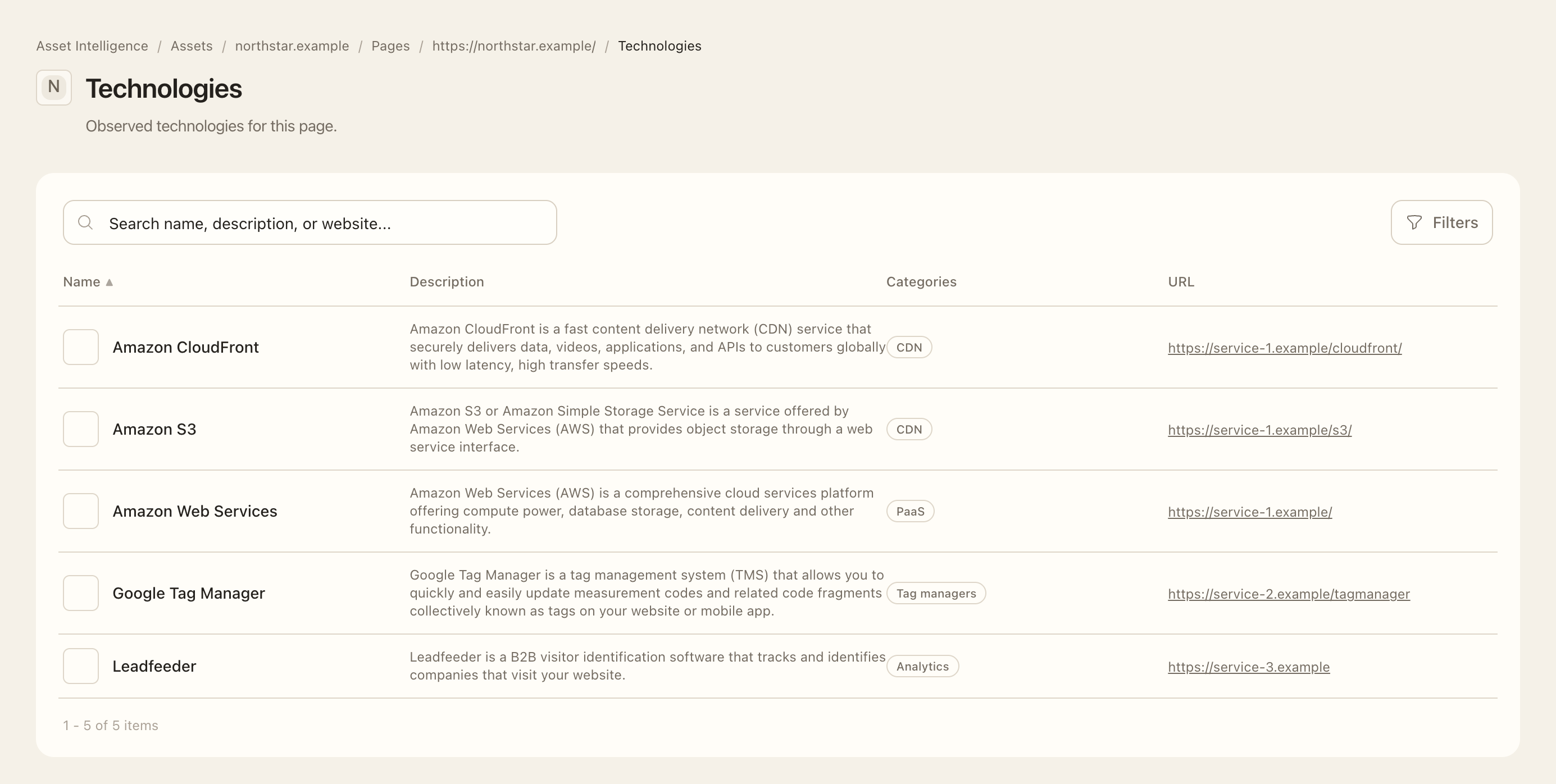
Expected outcome
You can trace a detected web technology back to monitored pages and their observed versions. Detection is a fingerprint, not an installed-software audit or proof that every reported version is vulnerable. Unknown or intermittently detected versions need supporting evidence before drawing conclusions.
The customer-facing inventory focuses on web technologies. Network banners and port service labels are not automatically promoted into the same inventory. A failed technology collection can retain the last successful observation; check freshness before treating it as current confirmation.