Review registration and network context
Consult domain registration, registrar, and IP network information.
Inspect registration context
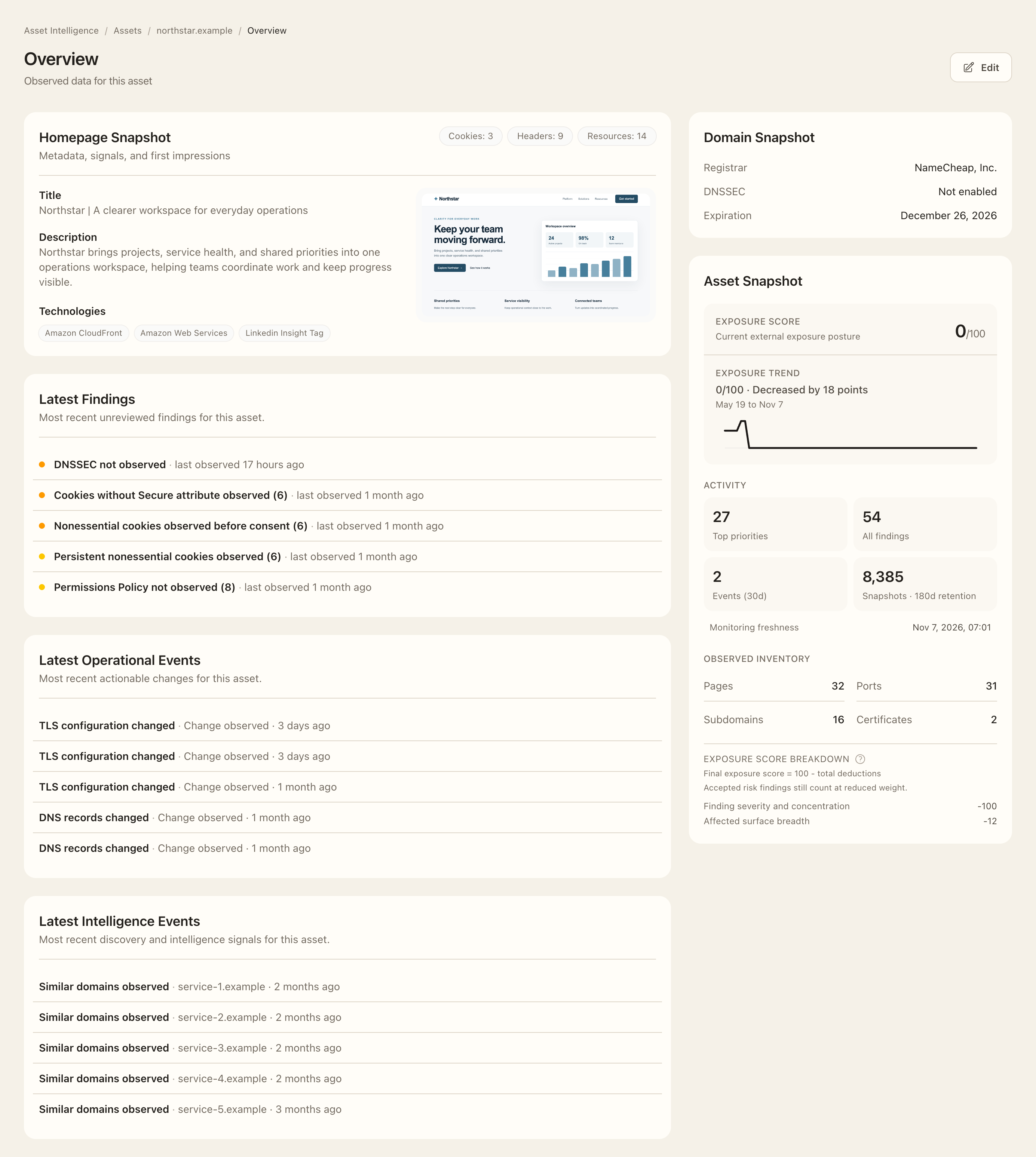
- Open a domain asset’s Overview and locate Domain Snapshot.
- Check the registrar, DNSSEC status, and expiration date shown by the current registration observation.
- Open the linked registrar to inspect its available metadata, contacts, and your organization’s related monitored domains.
- For an IP asset, follow the available network link to inspect registered network and provider context.
- Compare the observation with your internal ownership records before following up on a discrepancy.
Expected outcome
You can identify the available registry and network context and navigate related records. Privacy-redacted or missing registration information is not evidence that ownership is invalid. Registered network ownership and inferred provider labels do not necessarily identify your organization’s contractual service owner.