Monitor web pages and custom paths
Open a monitored page
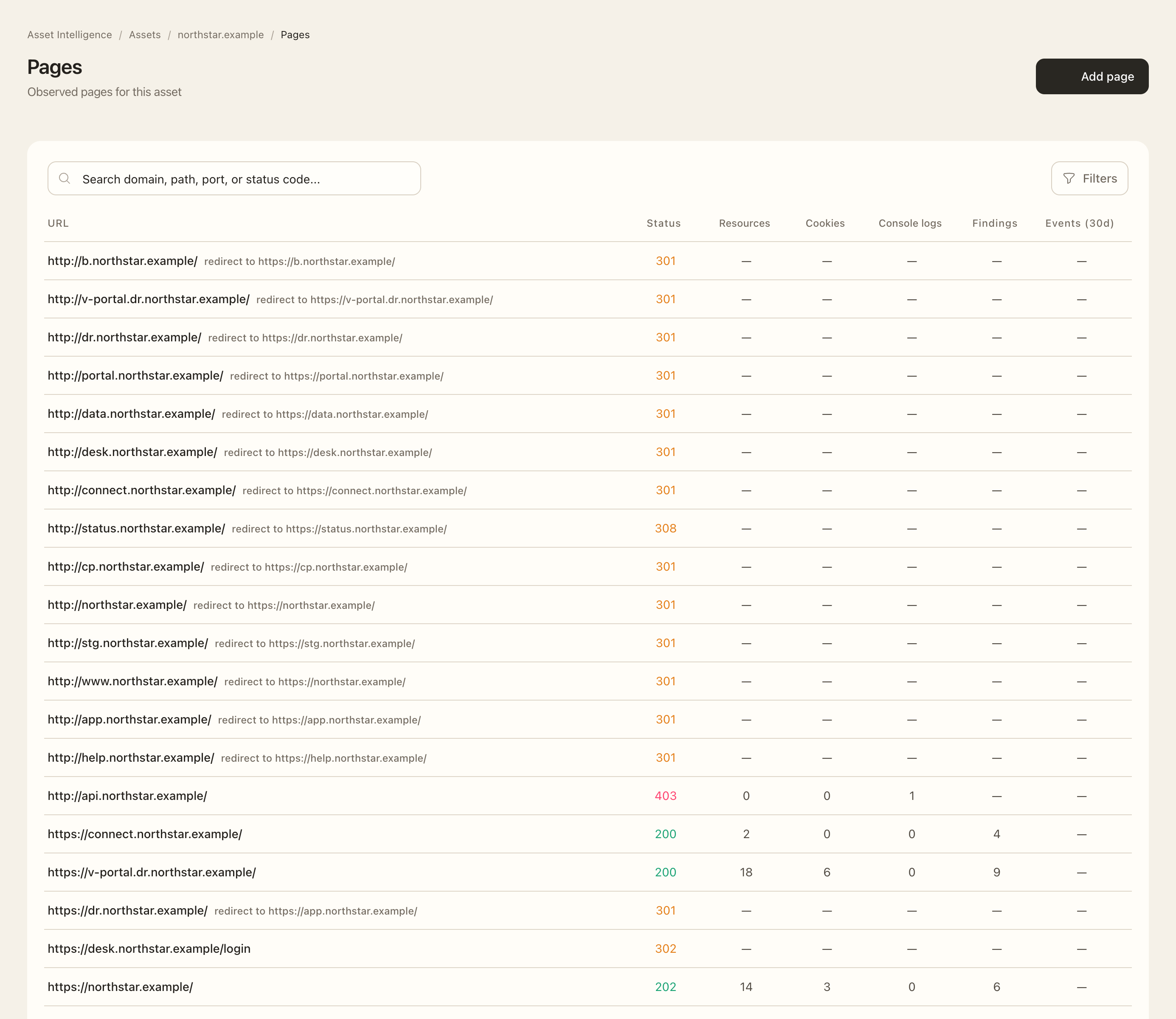
- Open an asset and choose Pages.
- Check the target, port, scheme, and path rather than relying on the page title alone.
- Open the page to inspect its URL, redirects, metadata, monitoring state, and latest screenshot.
- Use its contextual pages for technologies, headers, cookies, resources, and console observations.
Add a custom page
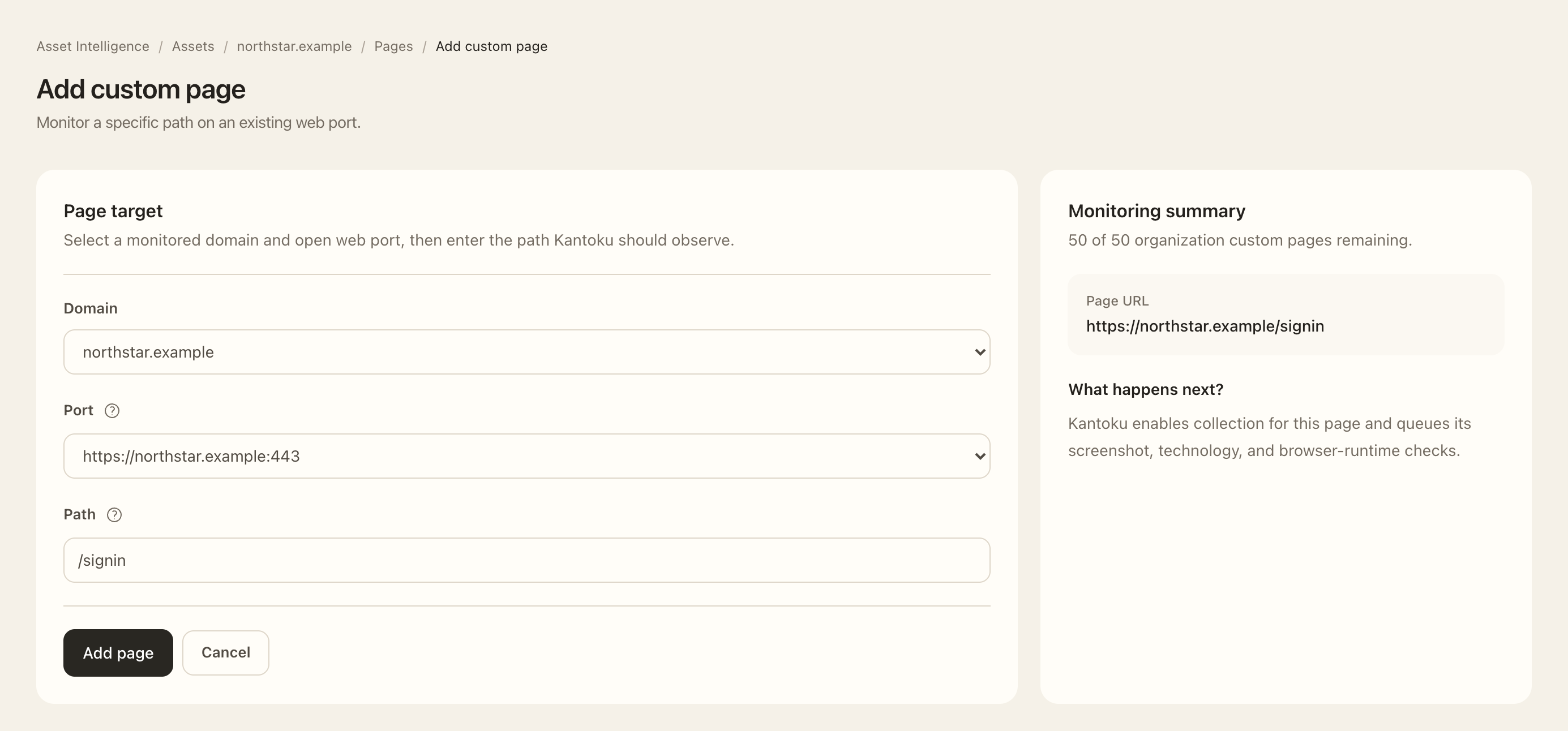
- Choose Add page.
- Select the monitored domain and an existing open web port.
- Enter the path and check the complete URL preview. Custom monitoring targets a path on that port rather than creating a new domain asset.
- Save the page. Its monitoring state shows collection progress.
- On the page’s settings, choose whether to track content-hash changes when that signal is useful for this path.
Expected outcome
The custom path is retained as an explicitly monitored page, subject to your plan’s allowance. Root pages and same-host redirect destinations can be monitored automatically and do not use the custom-page allowance in the same way.
A same-host redirect can promote its destination as the default monitored page. Monitoring limited indicates the intended rendered content could not be fully observed, for example because of an access-control or challenge page; it is a coverage notice rather than proof of a vulnerability.
Remove a custom page from monitoring
When a custom path is no longer needed, open its page details, choose Remove custom page, and confirm the displayed URL. Removing a custom page removes its explicit monitoring configuration; it does not remove the parent asset or disable automatically monitored root and redirect-derived pages.