Find your organization and work
Navigate Asset Intelligence and use search and filters.
Before you start
Follow your sign-in link to open Kantoku. The sidebar shows the pages available to you.
Find a record
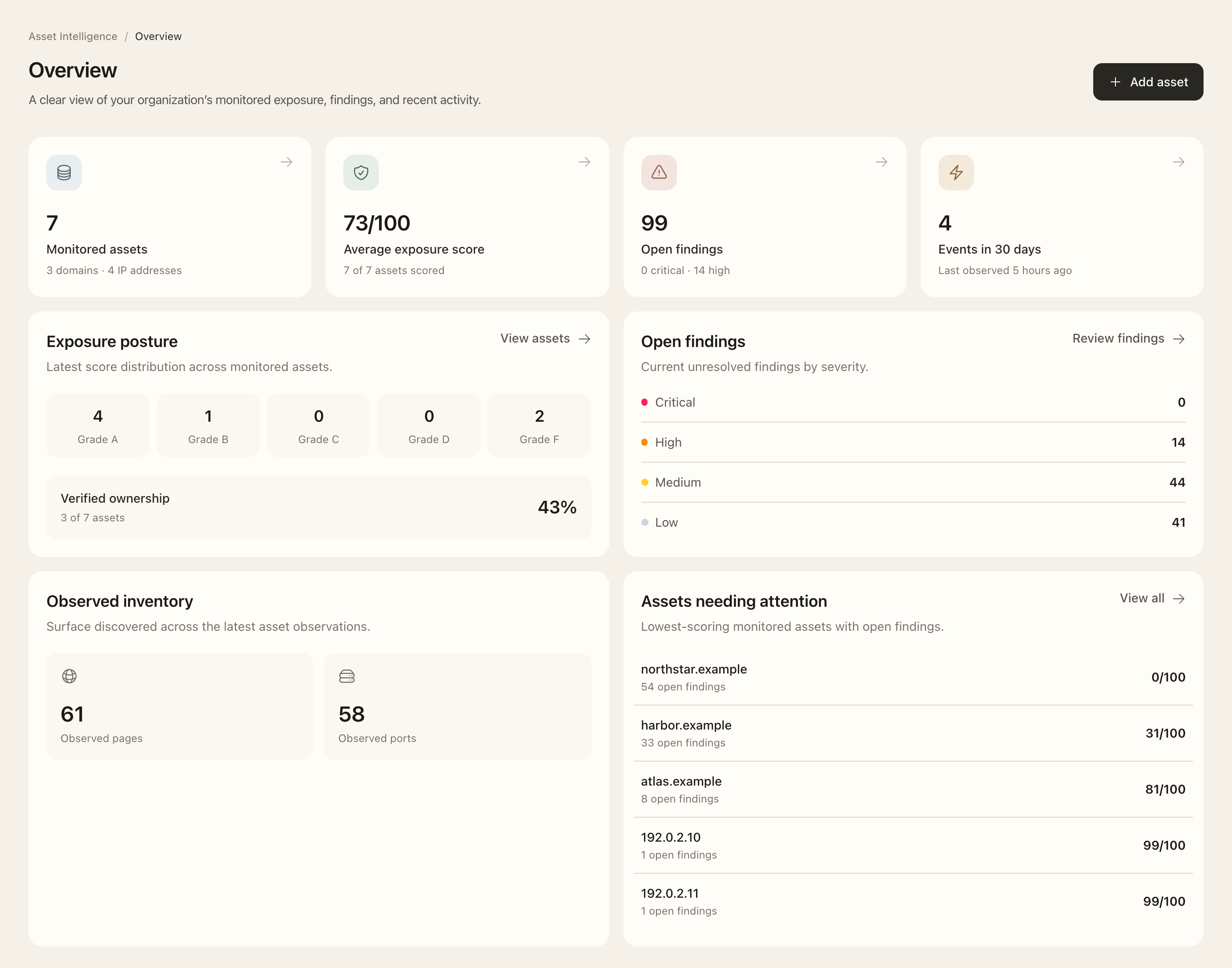
- Select Asset Intelligence in the product rail to open Overview.
- Review the monitored-asset, exposure-score, findings, and recent-event summaries. Select a count or grade to inspect its related records.
- Use Assets, Subdomains, Technologies, Findings, or Events in the sidebar for organization-wide inventories.
- Open global search with Command+K on macOS or Ctrl+K on Windows. Enter a page name or record reference, use the arrow keys to select a result, and press Enter.
- Within a registry, choose Filters, change the available selections, and use Apply. Remove an active filter chip or use Clear to broaden the results.
- Open the record’s primary link, then use its contextual sidebar and breadcrumbs to move between related pages.
Expected outcome
You reach records visible in the selected organization. Counts and filters help focus your review; opening a link does not grant extra permissions or complete a review.
If a page or action is unavailable
Contact your organization’s administrator if a page or action you need is missing. They can review your access and the organization’s subscription.