Review certificates and TLS context
Inspect certificate coverage, validity, and related service observations.
Review certificate inventory
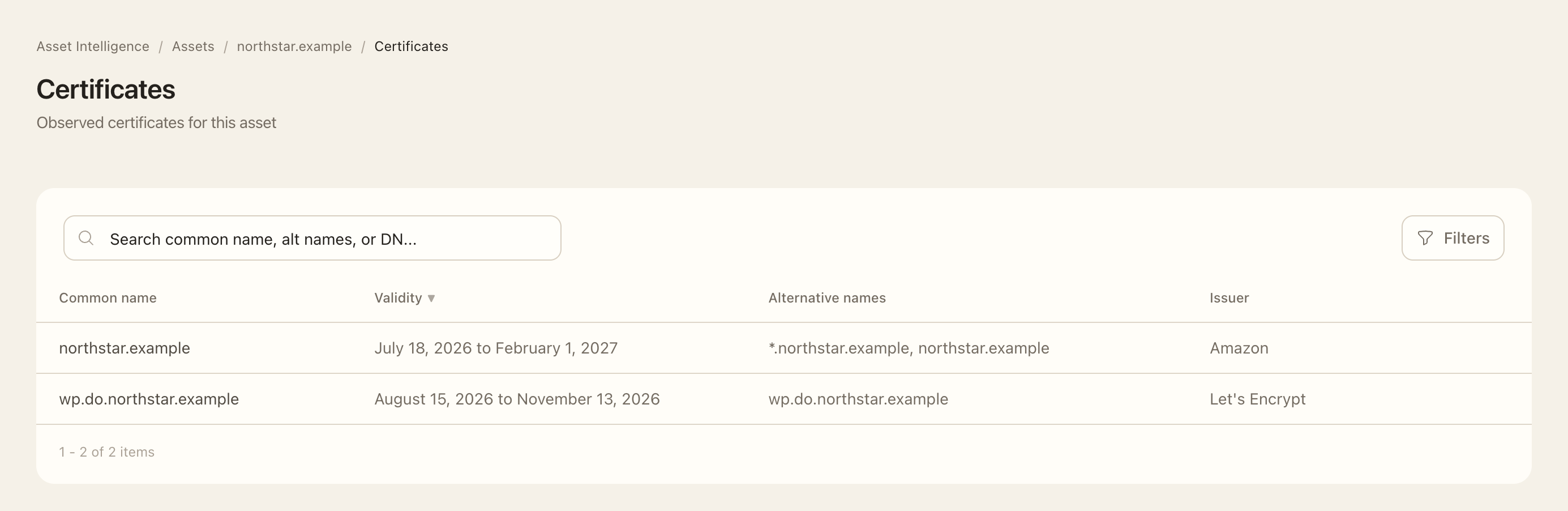
- Open an asset and choose Certificates.
- Apply the available target and issuer filters, then locate the certificate row you need to inspect.
- Check the subject names, issuer, validity dates, and available source or observation details.
- Compare its names with the intended hosts and inspect the corresponding port’s TLS information for the currently observed service.
- Follow related findings or events when expiry, protocol support, or a certificate change needs investigation.
Expected outcome
You can distinguish a certificate observed in inventory from the TLS state currently served by a particular port. Certificate Transparency can reveal issuance without proving the certificate is deployed or that the site is malicious.
Expiry warnings account for certificate lifetime: short-lived certificates have a narrower warning window than long-lived ones. An issuer rollover alone may be routine. Inspect the recorded evidence rather than treating every certificate change as a vulnerability.