Review similar domains
Inspect lookalike candidates and their discovery context.
Review a candidate
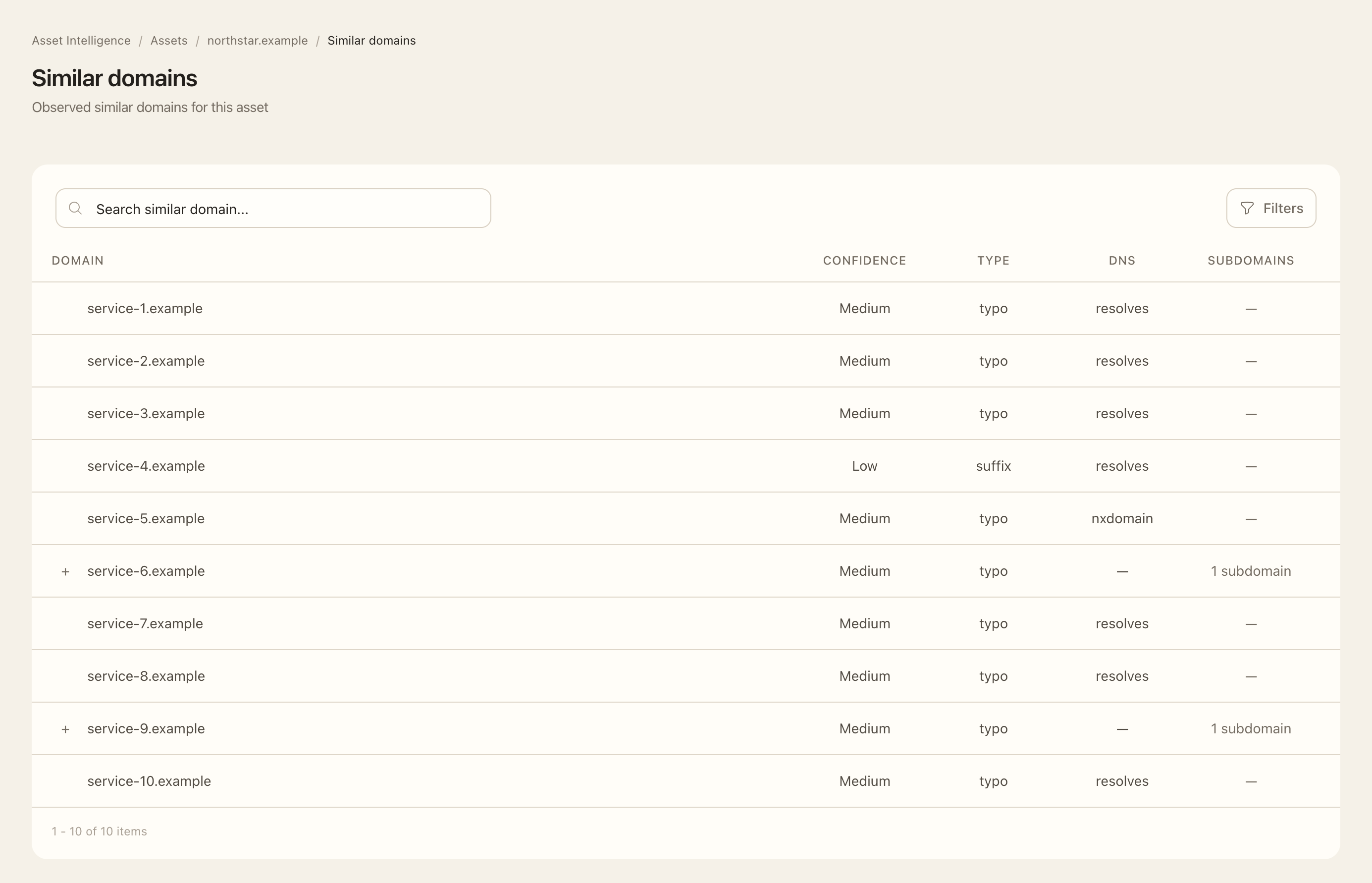
- Open a domain asset and choose Similar Domains.
- Search or filter the visible candidates and check the observed or discovery context available on each row.
- Expand an apex-domain row to inspect its related child hosts.
- Compare the spelling, organization context, and observed evidence with your known domains before escalating a candidate.
- Review related Intelligence events to establish when a candidate was newly observed.
- Record any investigation or response through your organization’s established process; discovery alone does not confirm malicious activity.
Expected outcome
You have a curated candidate list and discovery chronology to support investigation. Similarity is not proof of phishing, ownership, or abuse. Child hosts may be grouped beneath a lookalike apex, and repeated observations from different sources do not necessarily produce repeated alerts.
Candidates draw on Certificate Transparency and newly registered-domain intelligence, with screening to reduce weak matches. The list is not an exhaustive list of every possible spelling variation or newly registered domain.